

Experiencing issues with your iPhone's touch panel can be frustrating, especially when it affects your ability to use your device efficiently. If you're dealing with an unresponsive or malfunctioning touch screen, there are several steps you can take to troubleshoot and resolve the issue. In this article, we’ll guide you through practical solutions and introduce our top-quality replacement parts to help restore your iPhone’s touch panel to its optimal condition.
1. Perform a Simple Restart
Sometimes, the solution to touch panel issues is as simple as restarting your device. This can resolve minor software glitches that may be affecting the touch screen's responsiveness.
iPhone X and Later: Press and hold both the Side button and either Volume button until the power off slider appears. Drag the slider to turn off your iPhone, then press and hold the Side button again to restart.
iPhone 8 and 8 Plus: Press and hold the Side button until the power off slider appears. Slide to power off, then press and hold the Side button to turn it back on.
iPhone 7 and 7 Plus: Hold down the Volume Down button and the Sleep/Wake button until the slider appears. Slide to power off, then press and hold the Sleep/Wake button to restart.
iPhone 6s and Earlier: Press and hold both the Home button and the Sleep/Wake button until the slider appears. Slide to power off, then press and hold the Sleep/Wake button to restart.
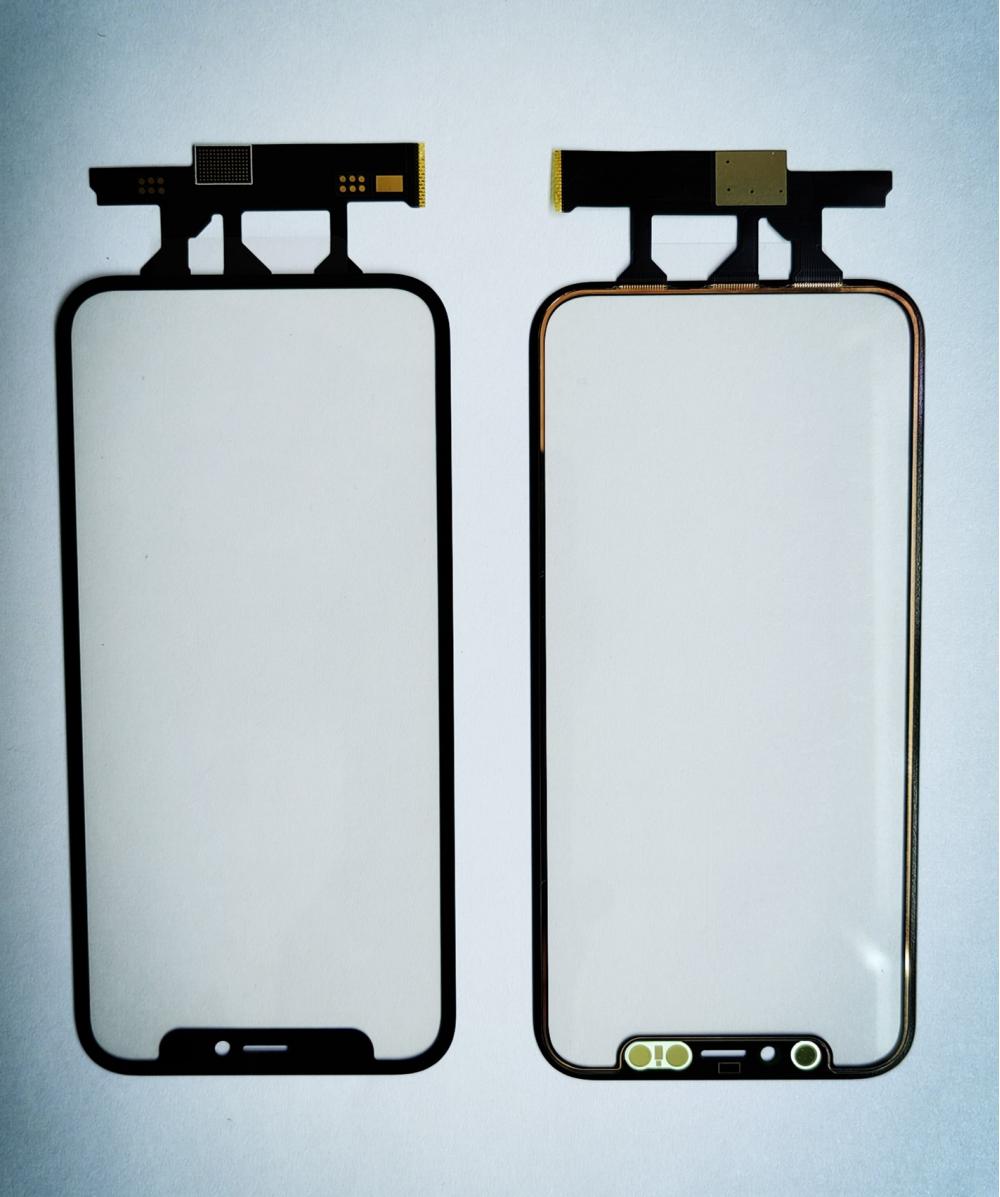
2. Clean the Touch Screen
Dirt, fingerprints, or smudges can affect touch sensitivity. Use a soft, lint-free cloth to gently clean the screen. Avoid using harsh chemicals or abrasive materials that could damage the display.
3. Update Your iOS
Ensure that your iPhone is running the latest version of iOS. Go to Settings > General > Software Update to check for updates. Installing the latest software can fix bugs that might be affecting your touch panel.
4. Reset All Settings
If the problem persists, resetting all settings might help. This will restore your iPhone’s settings to their defaults without deleting your data. Go to Settings > General > Reset > Reset All Settings.
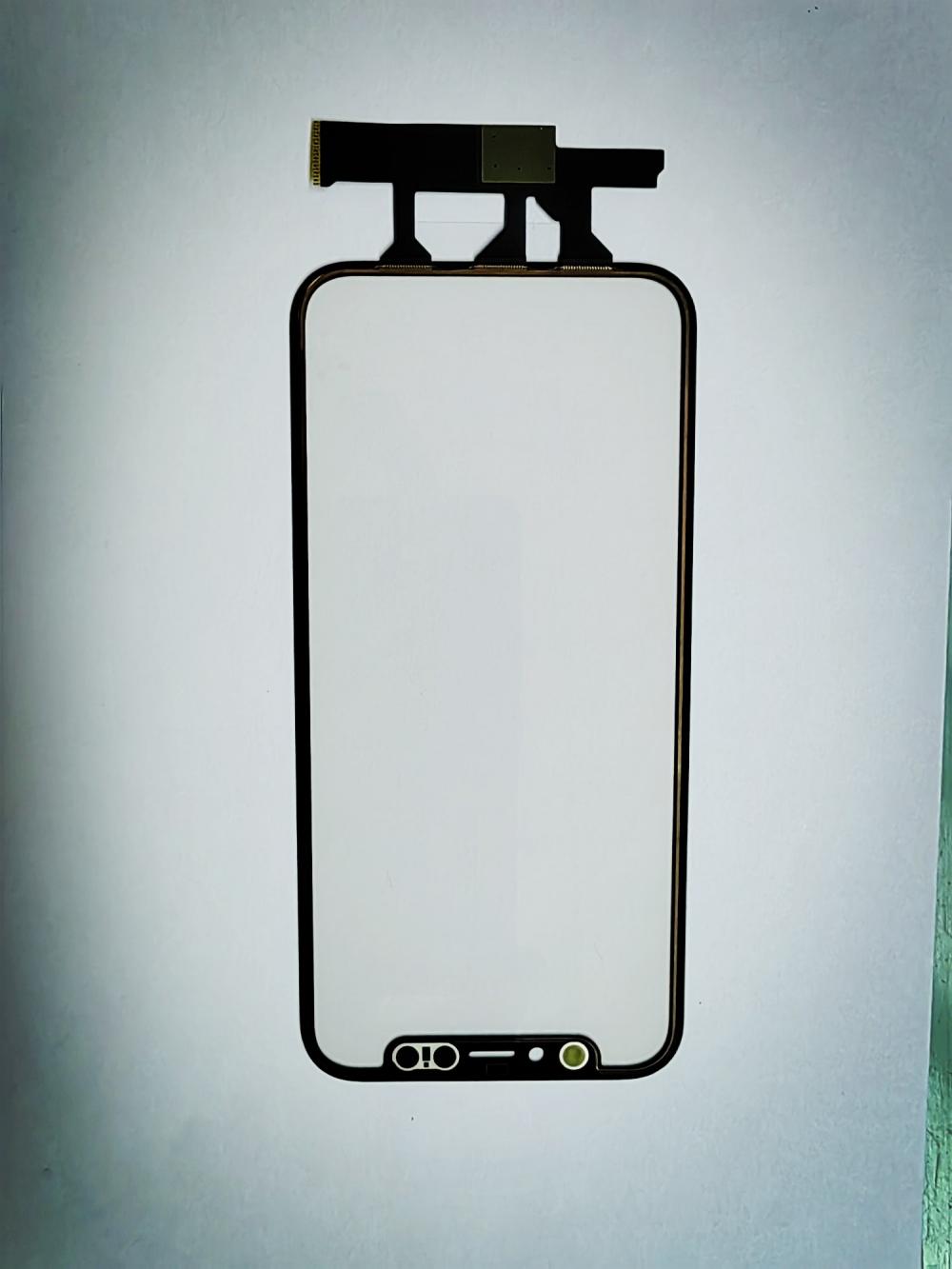
For more severe issues or if you prefer a DIY approach, replacing the touch panel might be necessary. Our company offers a range of high-quality replacement parts designed to restore your iPhone’s functionality:
Touch Panel for iPhone: Ideal for replacing damaged or unresponsive touch panels.
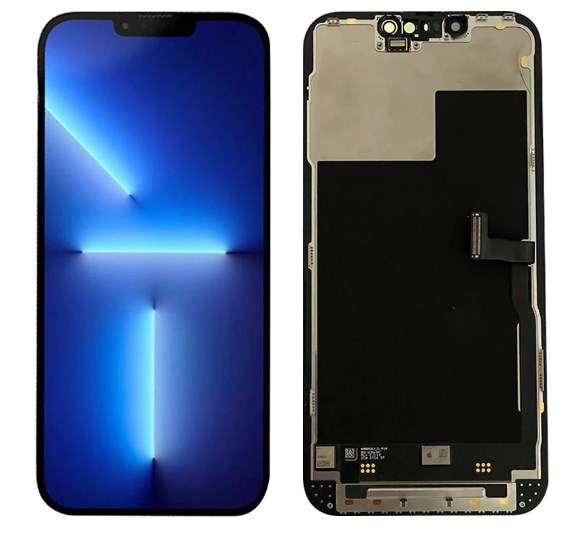
Touch Screen Digitizer Panel: A comprehensive solution that includes both touch and display components.
Touch Screen Panel for iPhone: Perfect for addressing issues with touch sensitivity and screen performance.
Phone Touch Screen: Ensures your iPhone’s screen is as responsive and clear as new.
Our replacement parts are known for their durability and precision, providing a reliable fix for your touch panel issues. We offer these products at competitive prices, ensuring you receive high-quality components without breaking the bank.
Need Assistance?
If you’re unsure which part you need or have questions about installation, our team is here to help. Contact us today for expert advice and support. We’re committed to providing you with the best solutions for fixing your iPhone’s touch panel, so you can enjoy seamless performance once again.